A branded player app for your users
Your users get a player with your name, logo and colour. It runs on Android TV, Android phones and tablets, Windows and in the browser.
They sign in once with a short code. Their lists, the guide and your brand load by themselves.
No card needed.
What you can brand
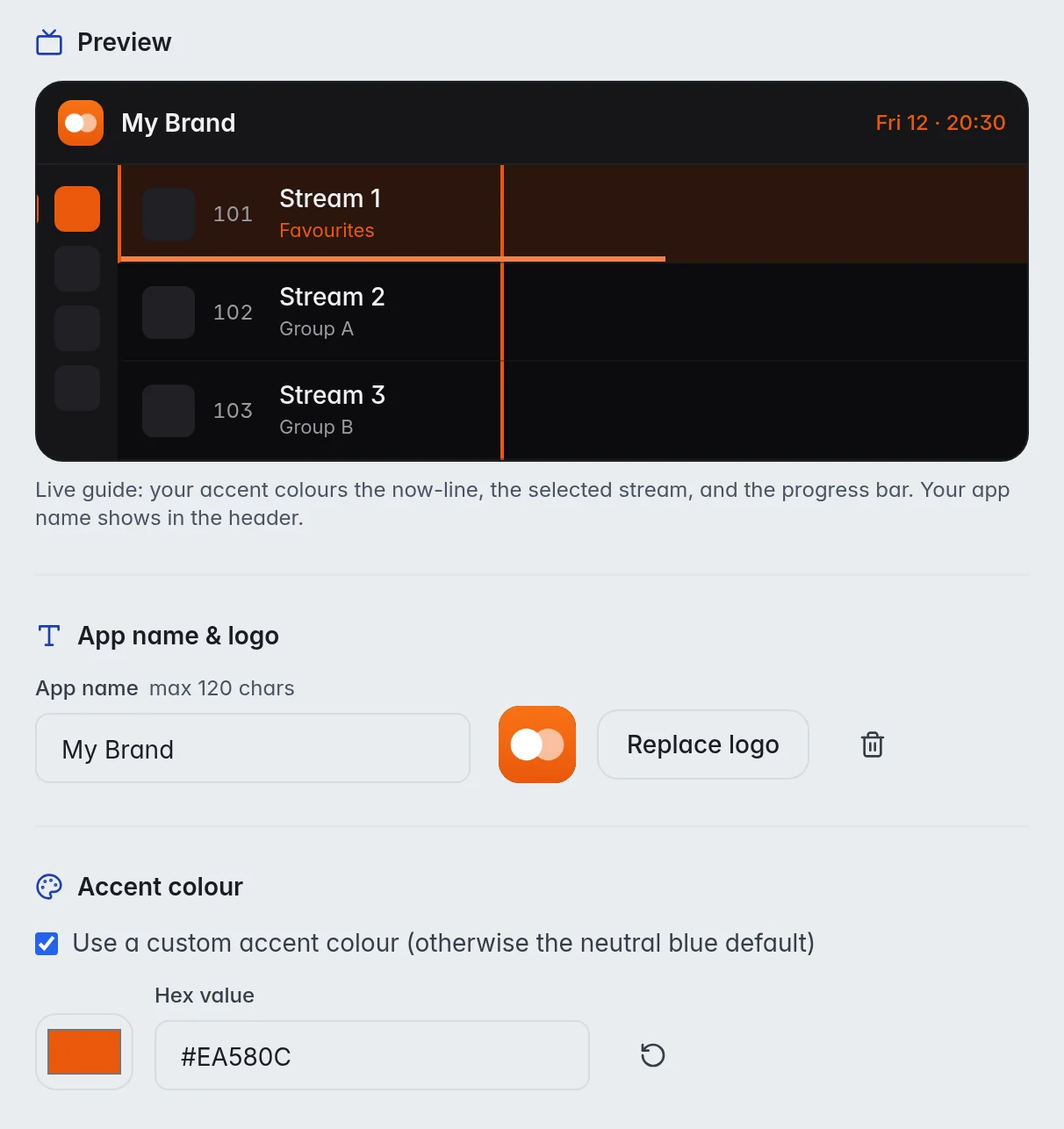
You set it once in the editor. Every user sees it on every device.
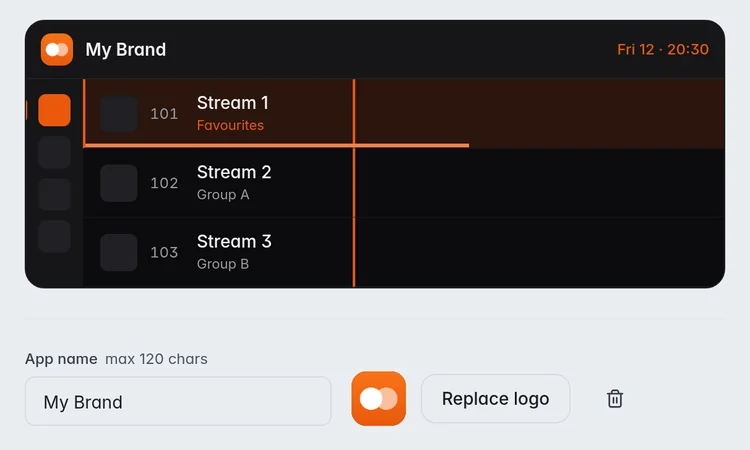
- Your app name.
- Your logo, as a PNG, JPG or WebP file.
- Your accent colour for the guide, the selected stream and the progress bar.
- Your own domain on every user link and download link.
- Your own build of the TV and phone app, with its own install link and short code.
Where it runs
The same account and the same brand on every screen:
- Android TV, Google TV, Fire TV and Android TV boxes.
- Android phones and tablets with Android 6 or newer.
- Windows 10 and 11, 64-bit.
- A web player that works in any modern browser.
There is no app for iPhone, iPad or Apple TV. Those users can watch in the web player or use another player with their login.
How a user gets set up
- Add the user in M3UTool, with the groups they may see and how many devices may watch at once.
- The user installs your app: on a TV through a downloader app and your short code, on a phone with your install link, on Windows with the installer.
- The user types their activation code once. Or you use Send to TV: type the code the TV shows into the editor, and the TV sets itself up.
- Live TV, the guide and your brand load. You can send all users a short message that shows in the app.
Other players still work
Users who like their own player keep it. Any player that takes an M3U link or a login with server, username and password works, for example TiviMate, OTT Navigator or VLC.
Those players show your lists, but not your brand or your messages, and they do not count toward the device limit.
Prices
Personal is 1 user (you) for €10 a year. Pro is 10 to 400 users, from €15 a year. Every plan has every feature, and you can try them all free for 14 days first.
| Users | Price a year | Link checks a day |
|---|---|---|
| Free trial | 14 days free, no card | 5,000 |
| 1 (you) | €10 | 10,000 |
| 10 | €15 | 10,000 |
| 20 | €20 | 10,000 |
| 30 | €25 | 10,000 |
| 50 | €35 | 10,000 |
| 100 | €60 | 20,000 |
| 150 | €80 | 30,000 |
| 250 | €120 | 50,000 |
| 400 | €170 | 100,000 |
Prices are for 2 playlists of up to 1 million streams each. More playlists: 5 for €10, 10 for €25, 20 for €60 more a year. Bigger playlists: 2 million streams for €2, 5 million streams for €5 more a year per playlist. Every plan has every feature. Self-hosted M3UTool comes with plans from €40 a year.
M3UTool includes no content. You bring your own playlists.
Questions
Do I need to build or publish the app myself?
No. M3UTool builds your branded TV and phone app for you. You get an install link and a short code to hand out.
Which devices does the app run on?
Android TV and Google TV devices, Fire TV and Android TV boxes, Android phones and tablets, Windows 10 and 11, and any modern browser.
Is there an iPhone app?
No. iPhone, iPad and Apple TV users can watch in the web player or use another player with their login.
Can I use my own domain?
Yes. Your domain then shows on every user link and download link instead of ours.
How does a user sign in on a TV?
With an activation code they type once, or with Send to TV: you type the code the TV shows into the editor, and nothing has to be typed on the remote.
Does the app come with streams?
No. M3UTool includes no content. The app plays the playlists you bring.
Try it on your own playlist
14-day free trial, no card. Every feature is on from the first day.
Start free trial