M3U link checker with backup links
M3UTool checks every stream in your playlist. You see if it is online, its quality and frame rate, and how reliable it has been.
When a link dies, your users move to a working backup link without doing anything.
No card needed.
What a check tells you
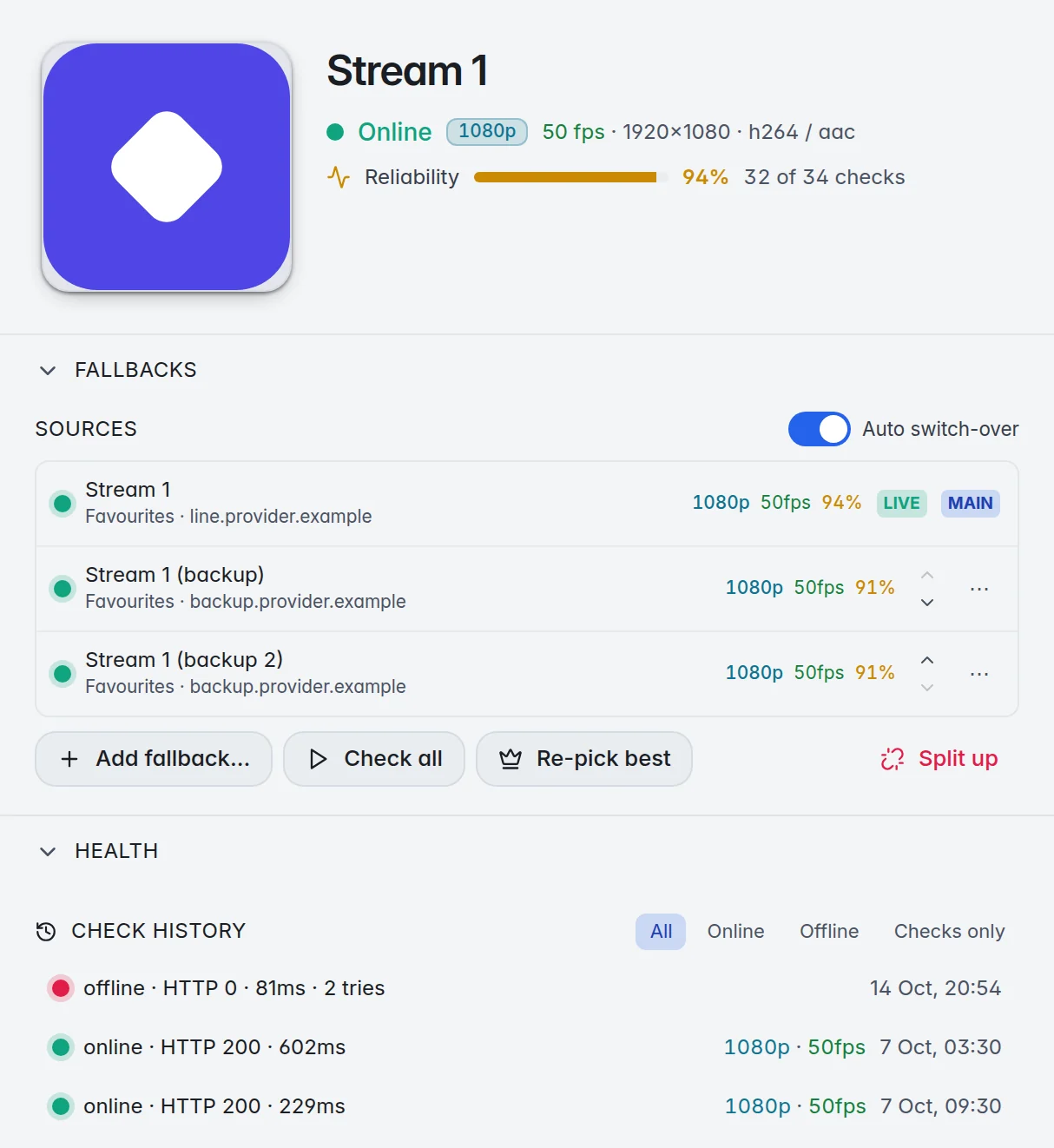
Every link gets a row of plain results that you can sort and filter by:
- Online or offline, and when it was last checked.
- Quality and frame rate, for example 1080p at 50 fps, with the video and audio format.
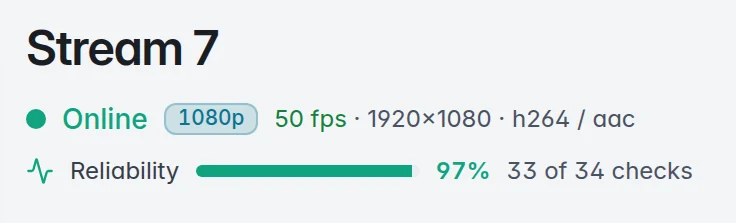
- Reliability: how many of the last checks worked, as a percentage.
- Latency: how fast the link answered, in milliseconds.
A link that answers but sends no picture counts as offline. Before a link is called offline it is tried a second time.
Backup links that switch by themselves
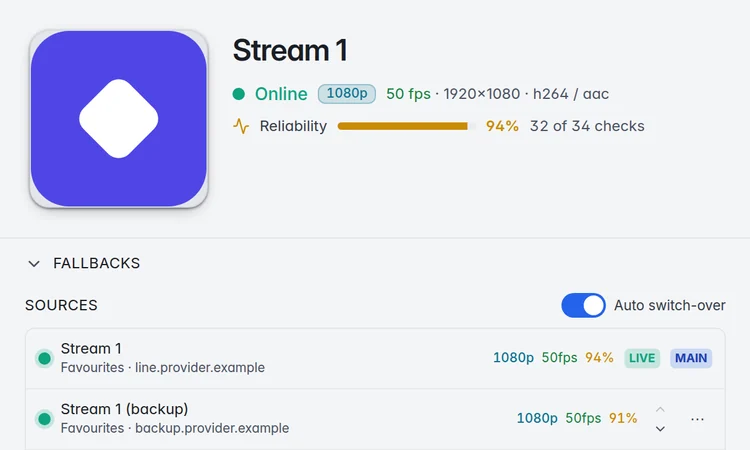
Give one stream several sources, for example the same stream from a second provider. Your users see one entry.
When the main link fails a check, the M3UTool apps play the best working backup. Re-pick best chooses the best source again after the next check.
Players from other makers get the backups in the M3U link, right after the stream, so users can switch by hand.
Automatic checks
Checks run every hour by default. You can also pick every 6 or 12 hours, once a day, or off. The most watched streams go first.
Park the dead ones moves offline streams out of your users’ lists after a check, and can put them back when they work again. If almost a whole group fails at once, nothing is parked in that run, because that is usually a short problem at the provider.
You set how many links the checker opens at the same time on your provider login, so the provider does not lock you out.
How to check an M3U playlist
- Add your provider login (server, username and password), an M3U link or an .m3u file as a new playlist.
- Open Checker and run a check on one group or on the whole list. A Quick test checks one stream right away.
- Sort by reliability or quality, and hide what does not work.
- Fold copies of the same stream into one entry with backups, and turn on automatic checks.
Prices
Personal is 1 user (you) for €10 a year. Pro is 10 to 400 users, from €15 a year. Every plan has every feature, and you can try them all free for 14 days first.
| Users | Price a year | Link checks a day |
|---|---|---|
| Free trial | 14 days free, no card | 5,000 |
| 1 (you) | €10 | 10,000 |
| 10 | €15 | 10,000 |
| 20 | €20 | 10,000 |
| 30 | €25 | 10,000 |
| 50 | €35 | 10,000 |
| 100 | €60 | 20,000 |
| 150 | €80 | 30,000 |
| 250 | €120 | 50,000 |
| 400 | €170 | 100,000 |
Prices are for 2 playlists of up to 1 million streams each. More playlists: 5 for €10, 10 for €25, 20 for €60 more a year. Bigger playlists: 2 million streams for €2, 5 million streams for €5 more a year per playlist. Every plan has every feature. Self-hosted M3UTool comes with plans from €40 a year.
M3UTool includes no content. You bring your own playlists.
Questions
How many links can I check a day?
5,000 a day in the free trial. Plans check from 10,000 to 100,000 links a day, depending on the number of users. The table above shows every step.
How often is each link checked?
Automatic checks run every hour by default and test each link at most twice a day. A Quick test checks one stream whenever you want.
What counts as a dead link?
A link that does not answer, answers with an error, or answers without a picture, on two tries in a row.
Can checking get my provider login blocked?
You set how many links the checker opens at the same time on your login. Keep it at or below what your provider allows.
Do backup links work in other players?
In the M3UTool apps the switch is automatic. Other players get the backups listed in the M3U link right after the stream, and the user picks one by hand.
Does M3UTool include streams?
No. M3UTool includes no content. You bring your own playlists.
Try it on your own playlist
14-day free trial, no card. Every feature is on from the first day.
Start free trial