Favourites and Continue watching
Save a favourite
| Where | How |
|---|---|
| TV app, a channel | Hold OK on it and choose Add to favorites |
| TV app, a film | Select the heart next to Play |
| Windows | Right-click a channel, or click the heart on a film |
| Phone | Tap the star |
| Web player | ☆ Save while watching a channel, + My List on a film or show |
Favourite channels are in ★ Favorites in Live TV. Films and shows are in My list on Home. To remove one, do the same again.
Continue watching
Stop a film or episode part way and it waits on Home, under Continue watching, with how far you got. Pick it to carry on.
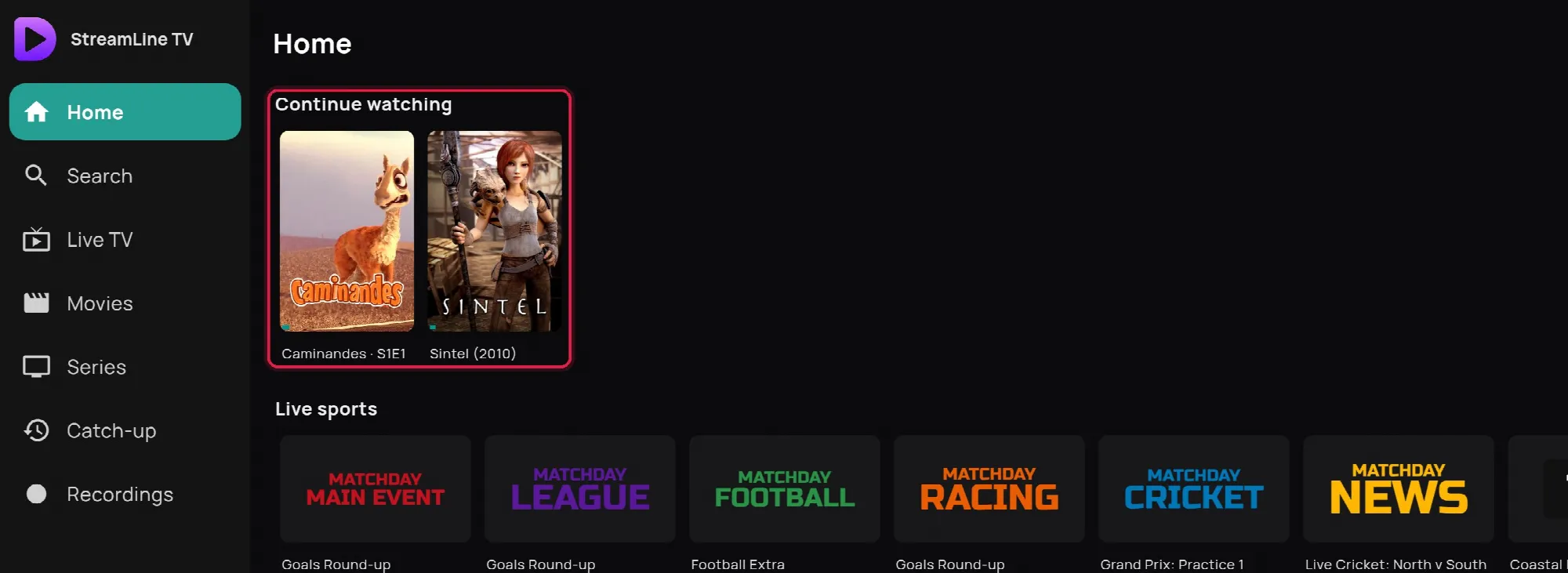
A film or episode you finish leaves the row by itself.
Favourites and Continue watching follow you to your other devices on the same subscription: TV, phone, Windows and the web player.