Movies and series
Watch a film
- Open Movies: Choose Movies, then a category.
- Pick a film: Press OK on a poster. Its page shows the story, the year and the length.
- Play: Press Play.
If you watched part of it before, the app asks whether to Resume or Start over.
Watch a series
- Open Series: Choose Series and pick a show.
- Pick a season: Choose Season 1, Season 2 and so on.
- Pick an episode: Press OK on it.
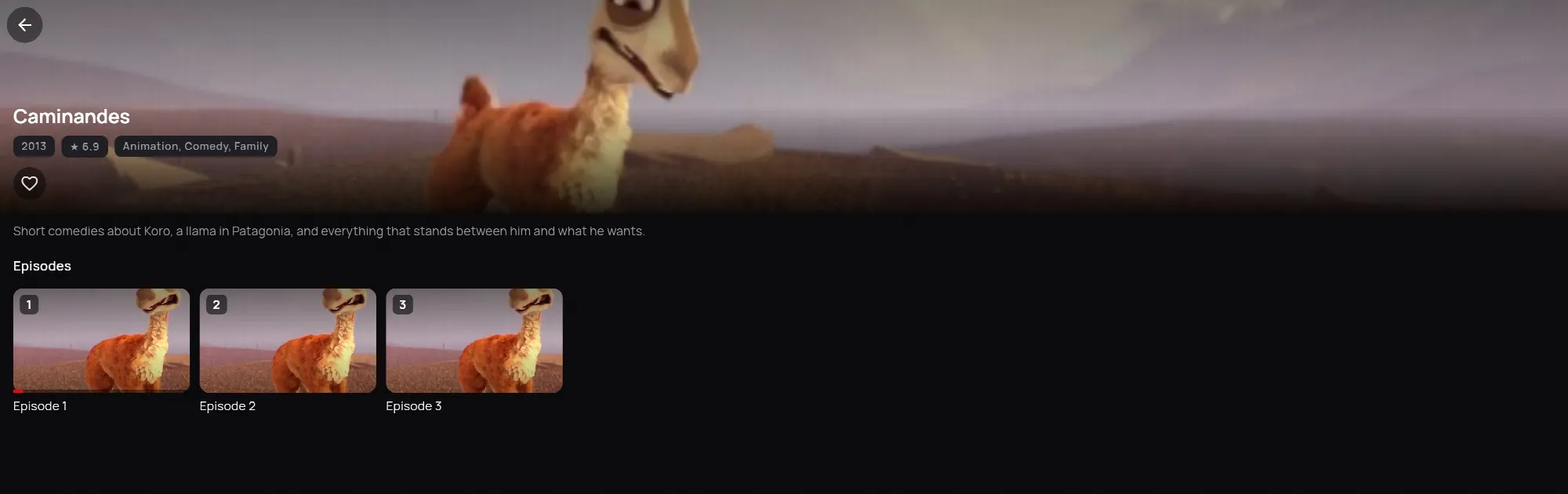
When an episode ends, Up next shows the next one and plays it after a few seconds. Choose Cancel to stop there. Skip intro jumps past the opening.
Also on the page
- The heart next to Play puts the film on My list.
- Trailer plays the trailer, when there is one.
- More like this suggests similar titles.
On the phone and in the web player it works the same way. There, the button says Resume if you started it before, and the web player saves with + My List.