Settings and language
On the TV and Windows apps, Settings is at the bottom of the menu. On the phone, tap Profile at the bottom, then Settings. In the web player, click the round letter at the top right, then My profile.
Change the language
- Open Appearance: In Settings, open Appearance.
- Pick a language: Choose Language, then English, Deutsch, Français, Español, Italiano, Hrvatski, Srpski or Slovenščina. System follows the device.
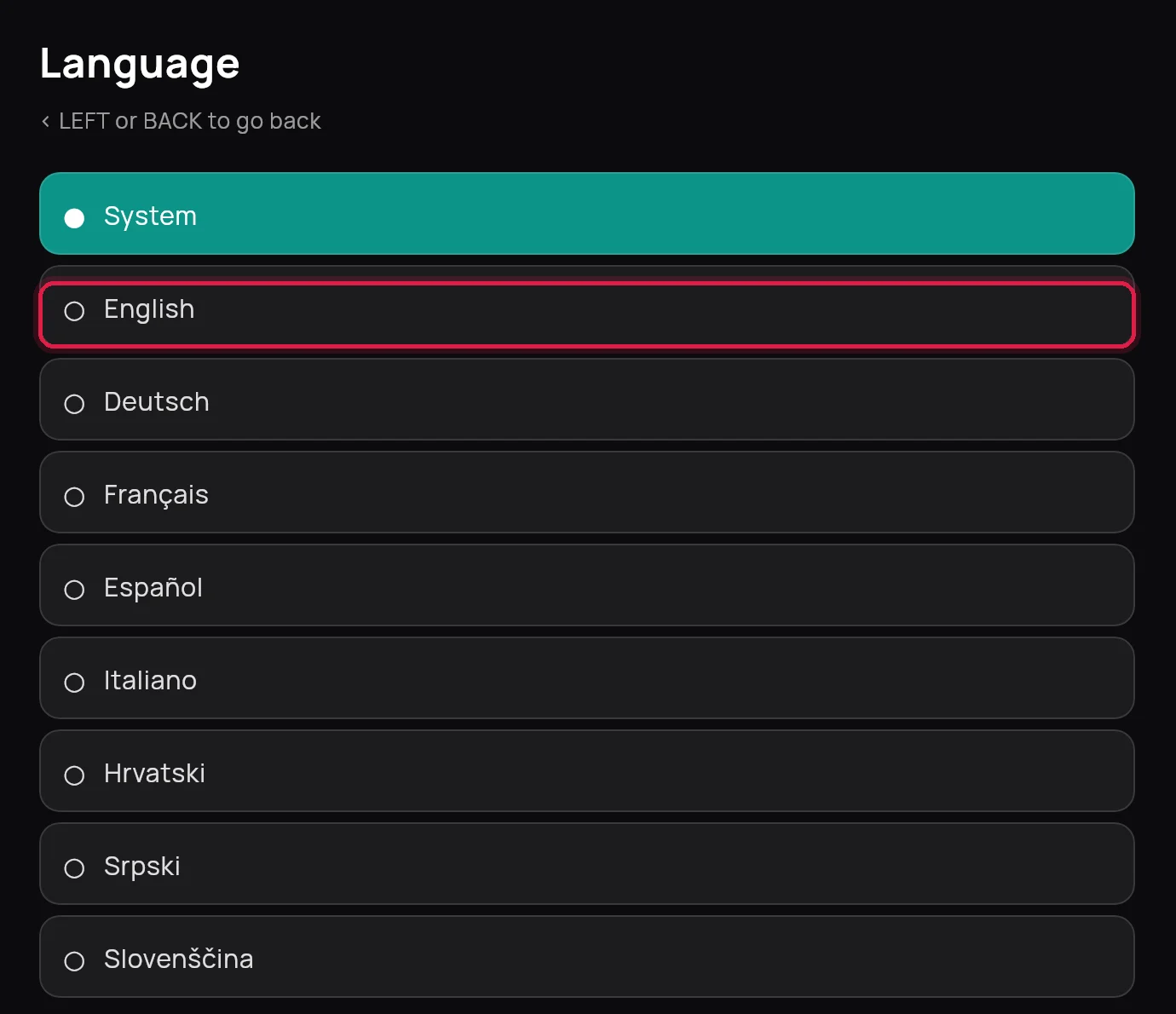
This changes the app's menus, not the programmes. On the phone, Language is under Channels.
Settings people change most
| Setting | Found under | What it does |
|---|---|---|
| Preferred audio, Preferred subtitles | Audio & subtitles | Your language when a programme has several |
| Subtitle size | Audio & subtitles | Bigger or smaller subtitles |
| Aspect ratio | Playback | Fit, Zoom or Fill the screen |
| Startup page | Startup & updates | Open on Home, Live TV, Movies or Series |
| Start automatically when the box turns on | Startup & updates | The app opens with the TV |
| Your devices | Account | See the devices on your subscription and disconnect one |
Picture stuttering on an older box? Try Low-end mode under Advanced, or a lower Preferred quality under Playback.
Remove a subscription from the app
Open Settings, Playlists, hold OK on it and choose Remove playlist. On the phone, tap Profile, then Playlists, and tap Remove playlist under it. In the web player, use Sign out under the round letter.