Buttons while watching
TV remote
| Press | On live TV | On a film or episode |
|---|---|---|
| OK | Show the info bar | Show the controls |
| Up / Down | Change channel | |
| Left | Open the guide | Rewind |
| Right | Open the settings panel | Fast forward |
| Back | Back to the list | Leave the player |
The info bar shows what is on, how long it has left and what comes next.
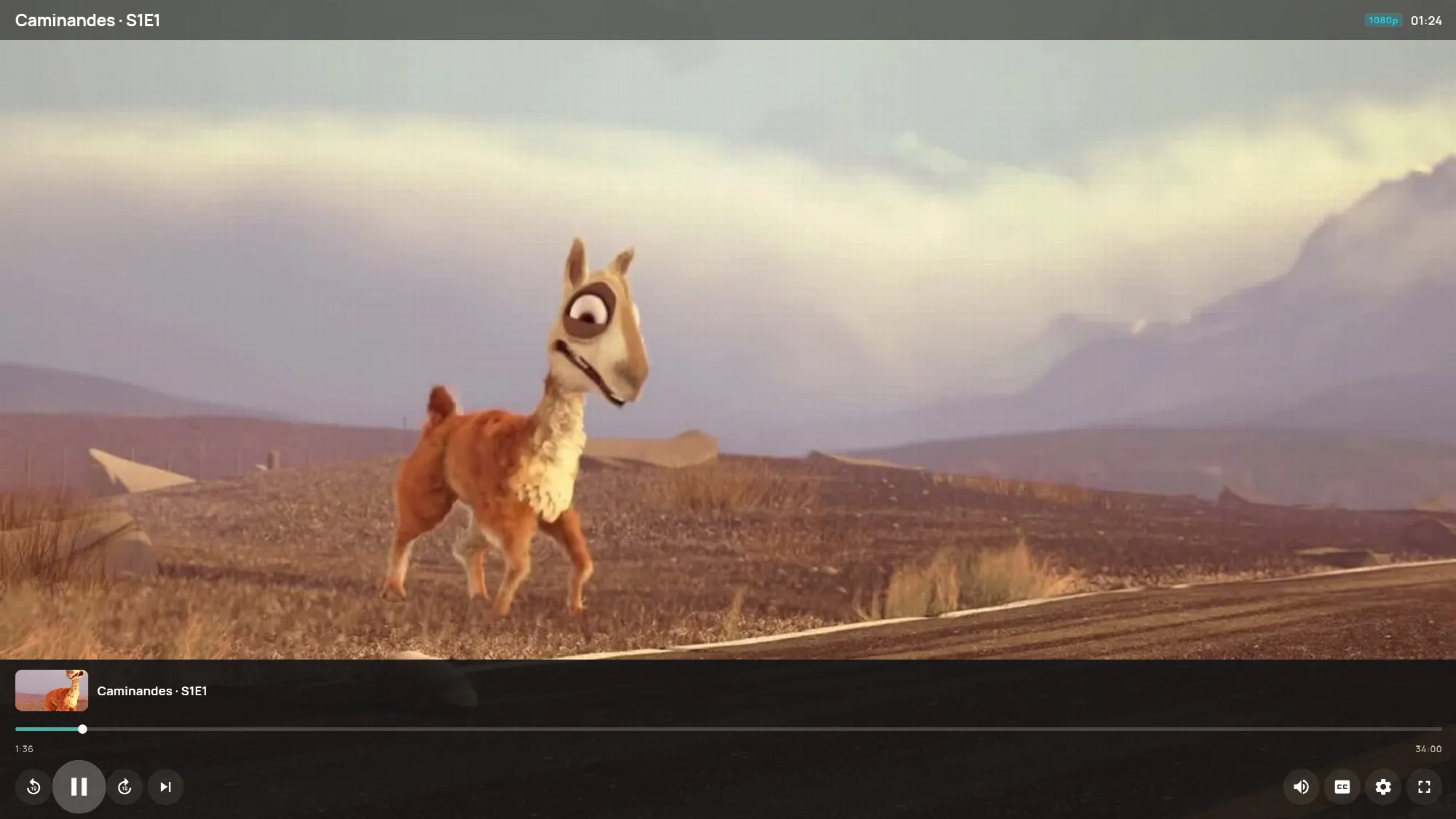
Its buttons, from left to right, change channel or jump 10 seconds, then Audio & subtitles, Sources (only when the channel has a fallback, which is a second source) and Settings. On live TV there is also Record.
The settings panel has the picture size, a sleep timer, Add to favorites and Multi-view, which shows up to four channels at once if your subscription allows two or more devices.
Windows keyboard
| Key | Does |
|---|---|
| F or F11 | Full screen |
| Space | Pause and play |
| Esc | Back |
| Page Up / Page Down | Change channel |
| G | Guide |
| A | Audio and subtitles |
| R | Record |
| M | Mute (the mouse wheel changes the volume) |
Web player keyboard
| Key | Does |
|---|---|
| F | Full screen |
| Space | Pause and play |
| M | Mute |
| G / C | Guide / channel list, on live TV |
| Left / Right | 10 seconds back or forward, on a film |
| Esc | Close |
Phone
Tap the picture for the controls. Double-tap on the left or right to jump 10 seconds. If you leave the app during live TV, it keeps playing in a small window.