Watch in a browser
The web player needs nothing installed. Use it on an iPhone, iPad, Mac or any computer.
- Open it: Go to
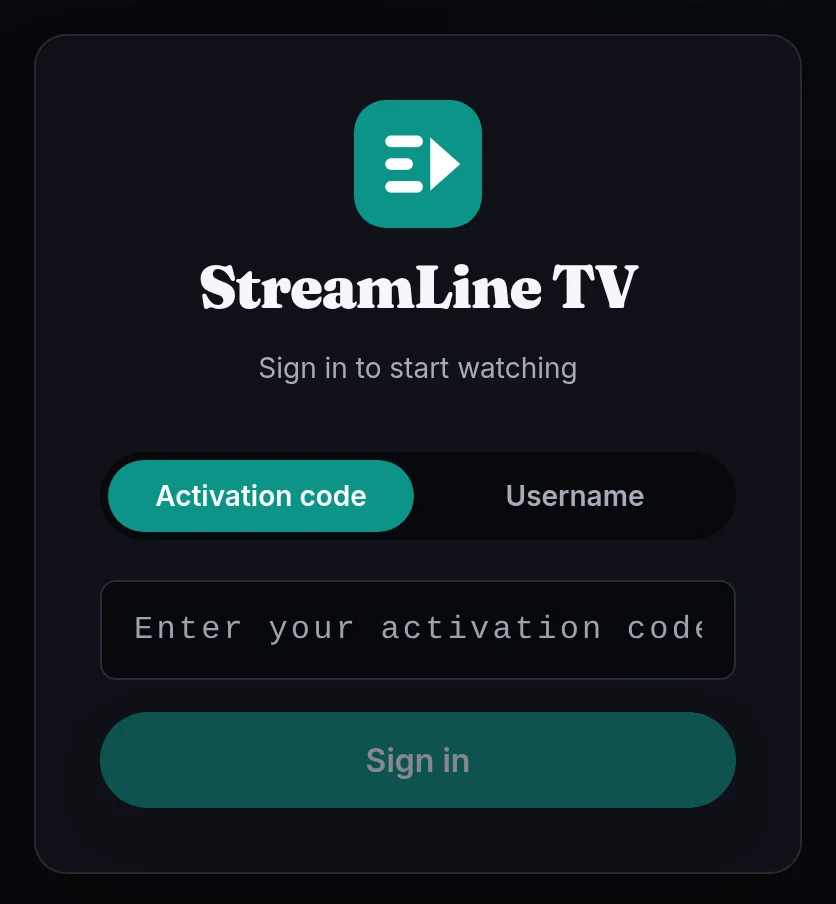
/playin Chrome, Safari or Edge. - Sign in: Choose Activation code or Username, type your details and press Sign in.
Keep it one tap away. On an iPhone or iPad, tap the Share button, then Add to Home Screen. On a computer, bookmark the page.
A few channels and films use a format a browser can't play. The player tells you, and they play in the TV, phone and Windows apps.